Every model. One workspace.
Talk to the latest OpenAI, Anthropic, Google, and xAI models — plus Groq, Ollama, and open models — from a single unified chat. Switch mid-conversation. Bring your own keys.
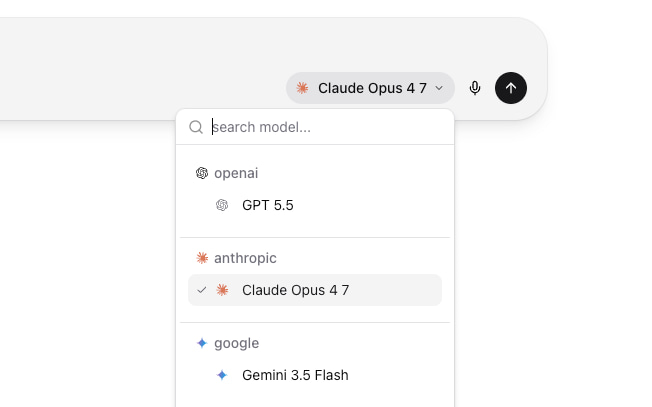
Works with every major model
One prompt. Any model.
Stop switching between five different apps. Wirebase routes your message to OpenAI, Anthropic, Google, xAI, Groq, Ollama, or any OpenAI-compatible endpoint — using your own API keys. Swap models mid-thread without re-typing context.
- OpenAI, Anthropic, Google, xAI, Groq, Ollama, OpenRouter, and any OpenAI-compatible provider
- Bring your own API keys — no platform markup on tokens
- Switch models mid-thread without losing context or history
- Pin a model to an agent, or change models per message — your call
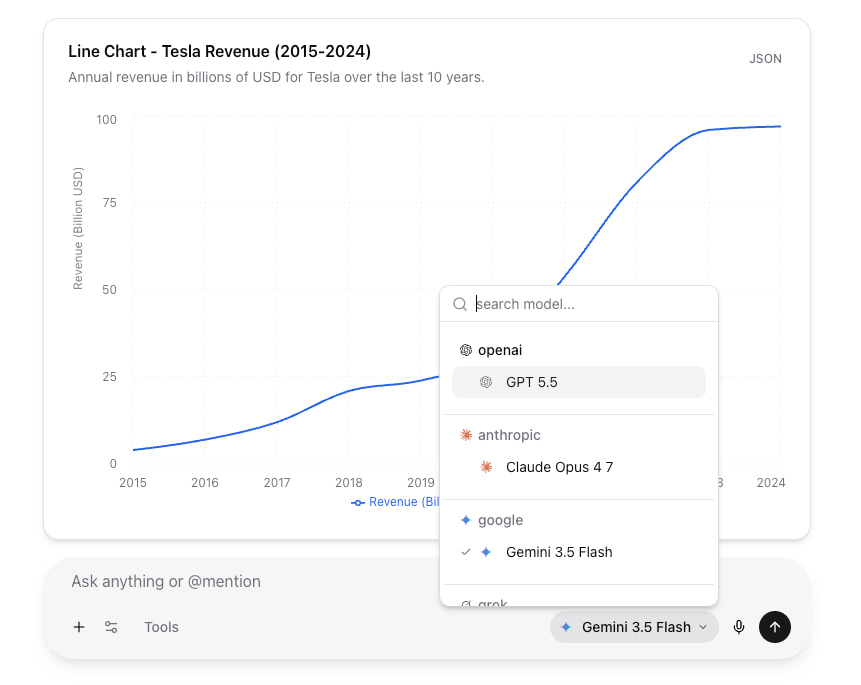
Compare models side by side.
Not sure which model is right for the job? Send one prompt to two or three of your organization's models and watch the answers stream in next to each other, each with its timing and token counts. Keep the answer you like — it's saved as a normal chat and you carry on with that model. The answers you don't keep aren't saved.
- Two or three models per comparison, from the models your org has enabled
- One click from the chat composer — what you've typed comes with you
- Time to first token, total time, and tokens in and out for every answer
- Each column is a full generation on your own provider keys, counted like any chat
- Text only: tools, connectors, and attachments are off while comparing
# Chat composer → Compare models
# Pick two or three models, then send one prompt

> Rewrite this release note for customers

# Answers stream side by side, each showing
#   time to first token · total time · tokens in / out
# "Use this answer" saves it as a chatTalk to your documents.
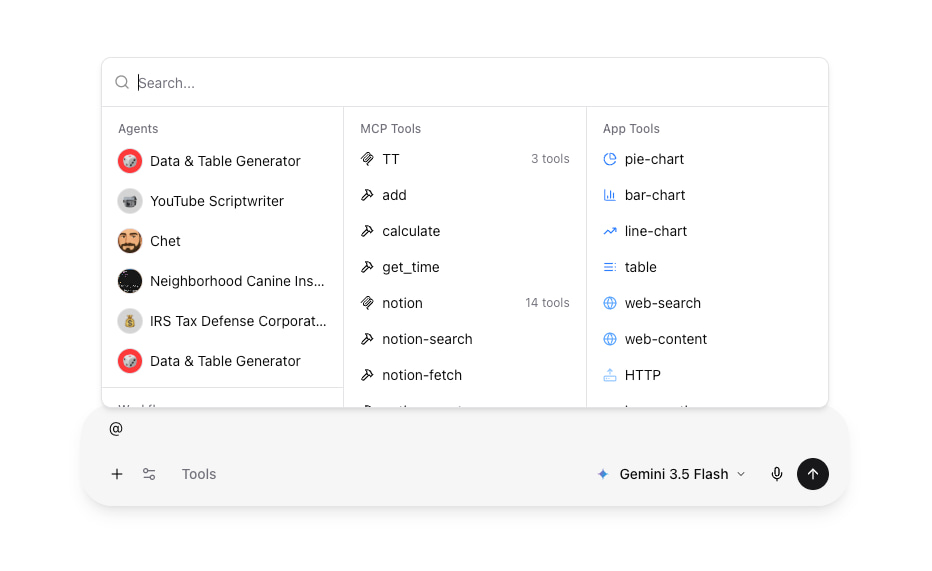
Drop in a PDF, spreadsheet, image, or code file and ask questions. Wirebase handles parsing, chunking, and retrieval — so you can focus on the answer instead of the plumbing.
- PDFs, Word, Excel, CSV, images, code files, and plain text
- Multiple files per conversation, persisted across messages
- Vision-capable models read images directly
- Drag-and-drop or paste from clipboard
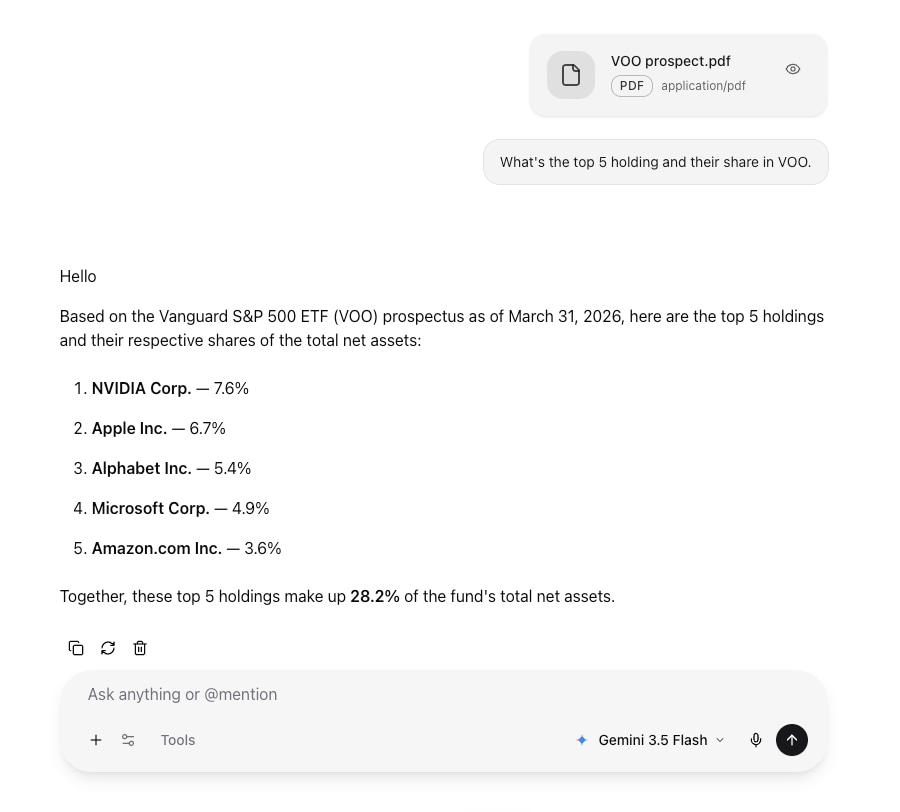
Beyond text. Real tools.
Bring connectors, custom workflows, and agents directly into the chat. Type `@` to mention a tool and watch the model use it — calling APIs, querying databases, generating images, writing files.
- Plug in any MCP-compliant server as a connector — bring your own, or run community servers for GitHub, databases, files, search
- @-mention syntax: only the tools you mention get sent to the model
- Visible tool calls — see exactly what the model invoked and with what arguments
- Custom workflows callable as tools via @workflow_name
Five subscriptions, one workspace.
Built for actual work, not demos.
Threaded conversations
Every chat saved, searchable, shareable with a link.
Custom agents
Define system prompts, pin tools, lock down to one model.
Streaming responses
Token-by-token output you can stop mid-stream.
Code blocks
Syntax-highlighted code, copy-to-clipboard, multi-language.
Markdown + LaTeX
KaTeX equations, Mermaid diagrams, GitHub-flavored markdown.
Org-scoped privacy
Conversations never cross organizations, and agent, workflow, and connector changes land in the org's exportable audit log.