Assistants that know their job.
Define an agent's prompt, pin its tools, lock the model, share with your team. Use @-mentions to invoke it from any chat.
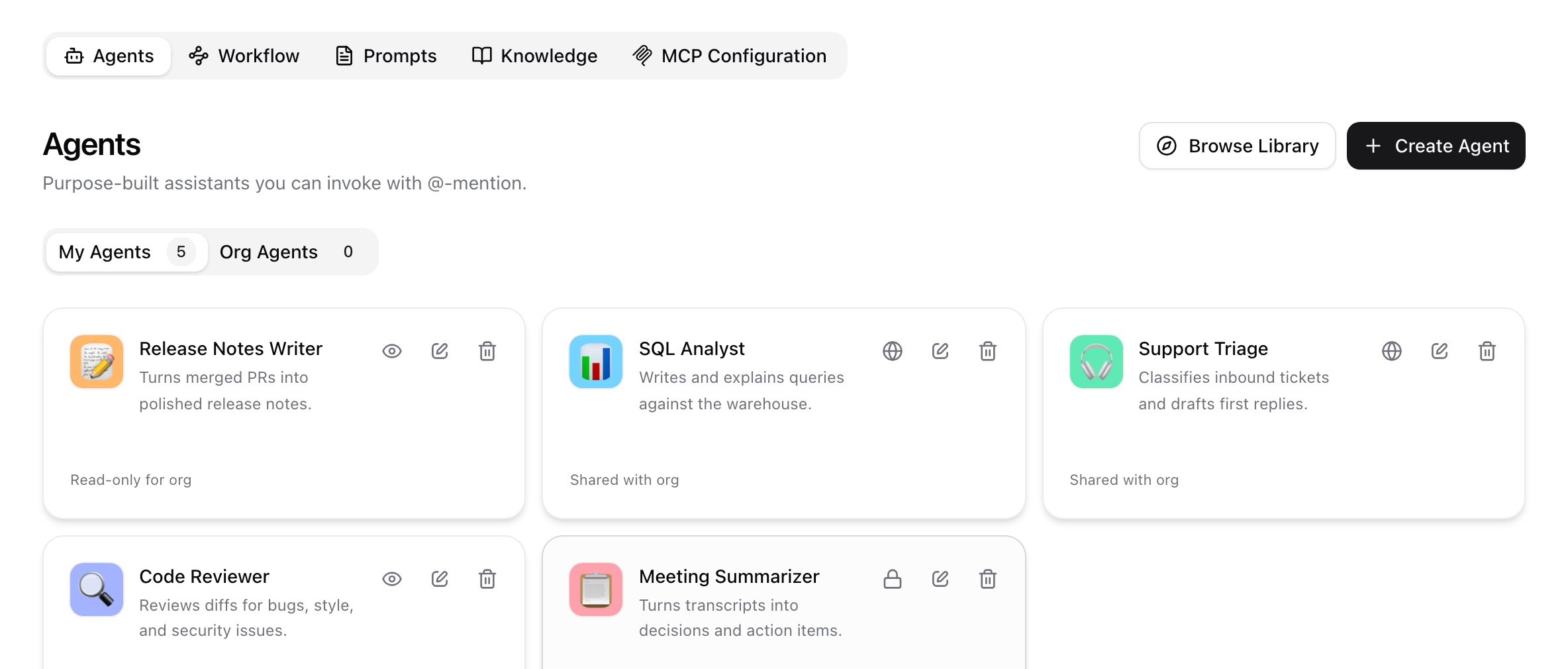
From idea to invoked in minutes.
- 01
Describe
Tell Wirebase what the agent does. One sentence is enough.
- 02
Tune
Refine the system prompt, pick the model, lock parameters.
- 03
Pin tools
Attach connectors, workflows, and knowledge bases.
- 04
Share
@-mention from any chat. Public, private, or org-wide.
Prompt. Tools. Done.
Describe your agent in one sentence and Wirebase drafts the system prompt, suggests tools, and recommends a model — you review and adjust. Fine-tune with markdown-formatted instructions, lock parameters like temperature and max tokens, and set visibility to private, org-wide, or public. Going from idea to a working agent takes minutes, not sprints.
- AI-generated agents from a one-line description
- Hand-tune the system prompt with markdown
- Pin a model and lock parameters (temperature, tokens)
- Visibility: private, organization, or public
Pre-equipped with tools.
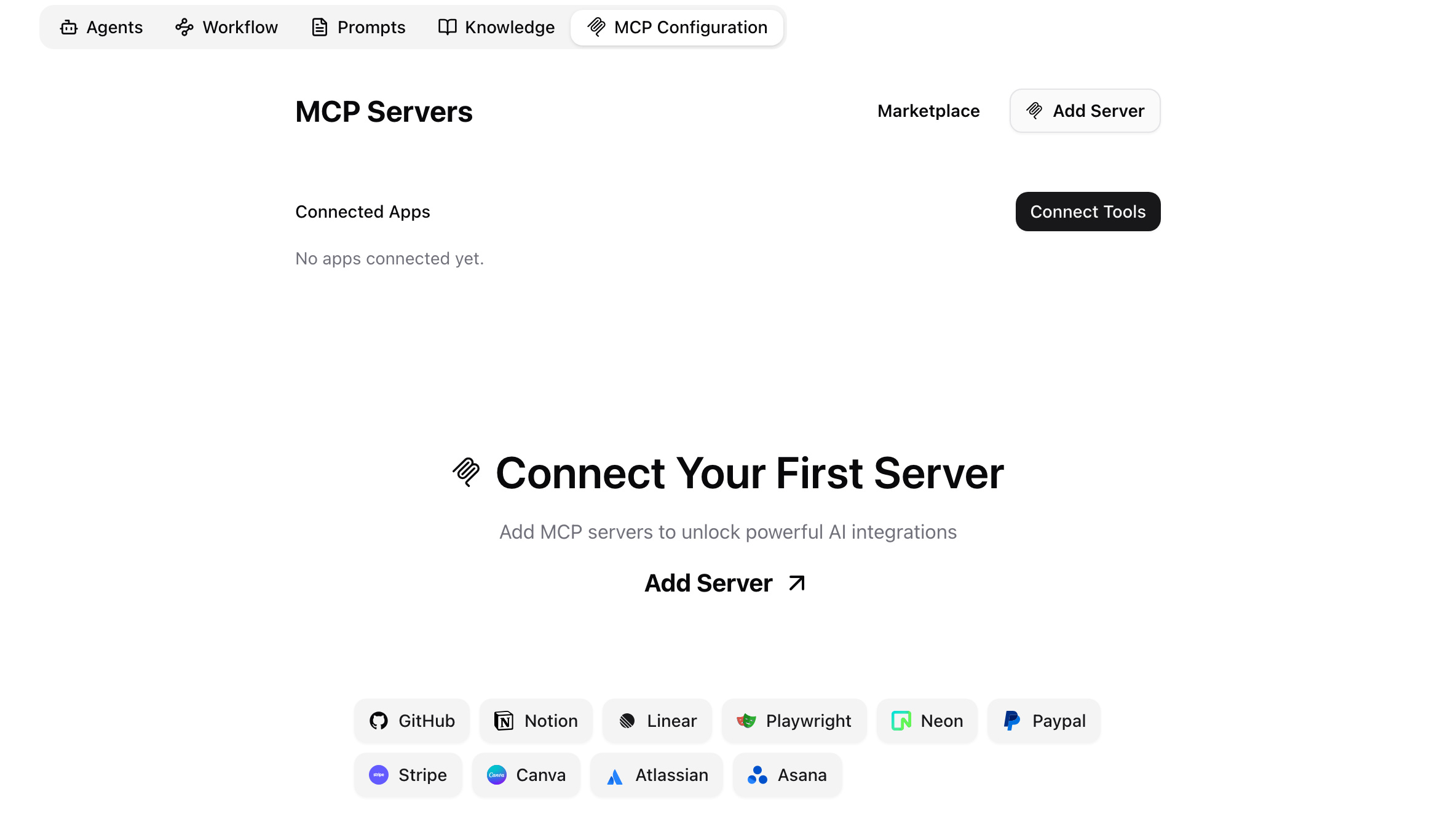
Attach connectors, workflows, and knowledge bases to an agent and it arrives at every conversation already holding the right tools. Only the tools you attach are loaded — so the context window stays clean and costs stay low. Per-tool custom instructions tell the model exactly how to use each integration.
- Attach connectors and individual tools
- Link to workflows and knowledge bases
- Per-tool custom instructions
- Token-efficient: only attached tools are loaded
@-mention to call.
Type @agent_name in any chat to hand off to that agent's prompt, tools, and model without leaving the conversation. Everything you attached comes along — a support agent arrives already holding its ticket connector, its knowledge base of past resolutions, and its published workflows. Public agents are discoverable in the Explore gallery, shareable via link.
- @-mention from any chat
- Attached connectors, workflows, and knowledge come along
- Public agents discoverable in the Explore gallery
- Shareable links with permission controls
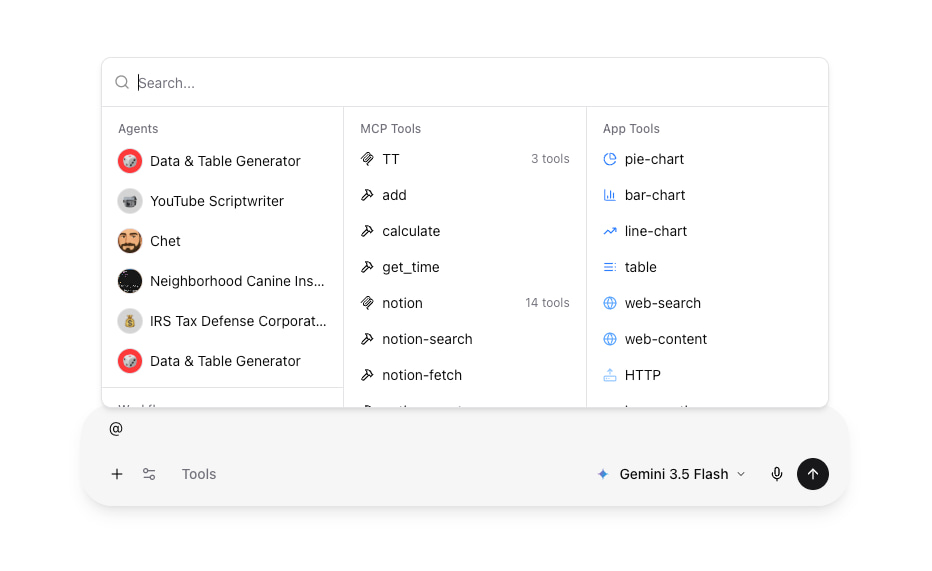
A support triage agent, assembled in an afternoon: a Zendesk connector for ticket data, a knowledge base of past resolutions, and GPT-5 as the model. @-mention it from any chat to get drafted replies that cite past tickets.
Everything to ship a real agent.
System prompts
Full markdown, variables, tool instructions.
Tool pinning
Curate exactly which tools the agent uses.
Knowledge attach
Ground the agent in a knowledge base.
Sharing model
Private, org-wide, read-only, or public.
AI generation
Describe the agent, get a draft in seconds.
Per-org governance
Visibility, publishing, and audit-logged changes.
@-mentions
Call any agent from any chat with @.
Scheduled runs
Run a prompt as the agent on a schedule with Automations.